How to Make the Drake Burning Bridges AI Video With Your Own Photo
To make the Drake Burning Bridges AI video with your own photo, upload one clear adult portrait here, pay $3.99 once and get one 15-second 720p vertical MP4 with sound by email. There is no preview before payment, so watch the real sample below first. The clip is an independent party scene starring the adult in your photo: a chandelier-lit room, a hand-over-eyes scan and a toast. Drake’s likeness, voice, footage and song are not included.
One adult photo · 15-second 720p vertical MP4 · $3.99 for one or $9.99 for three. No registration: upload, enter your email and pay; generation starts in the background.
See the photo and the generated party clip
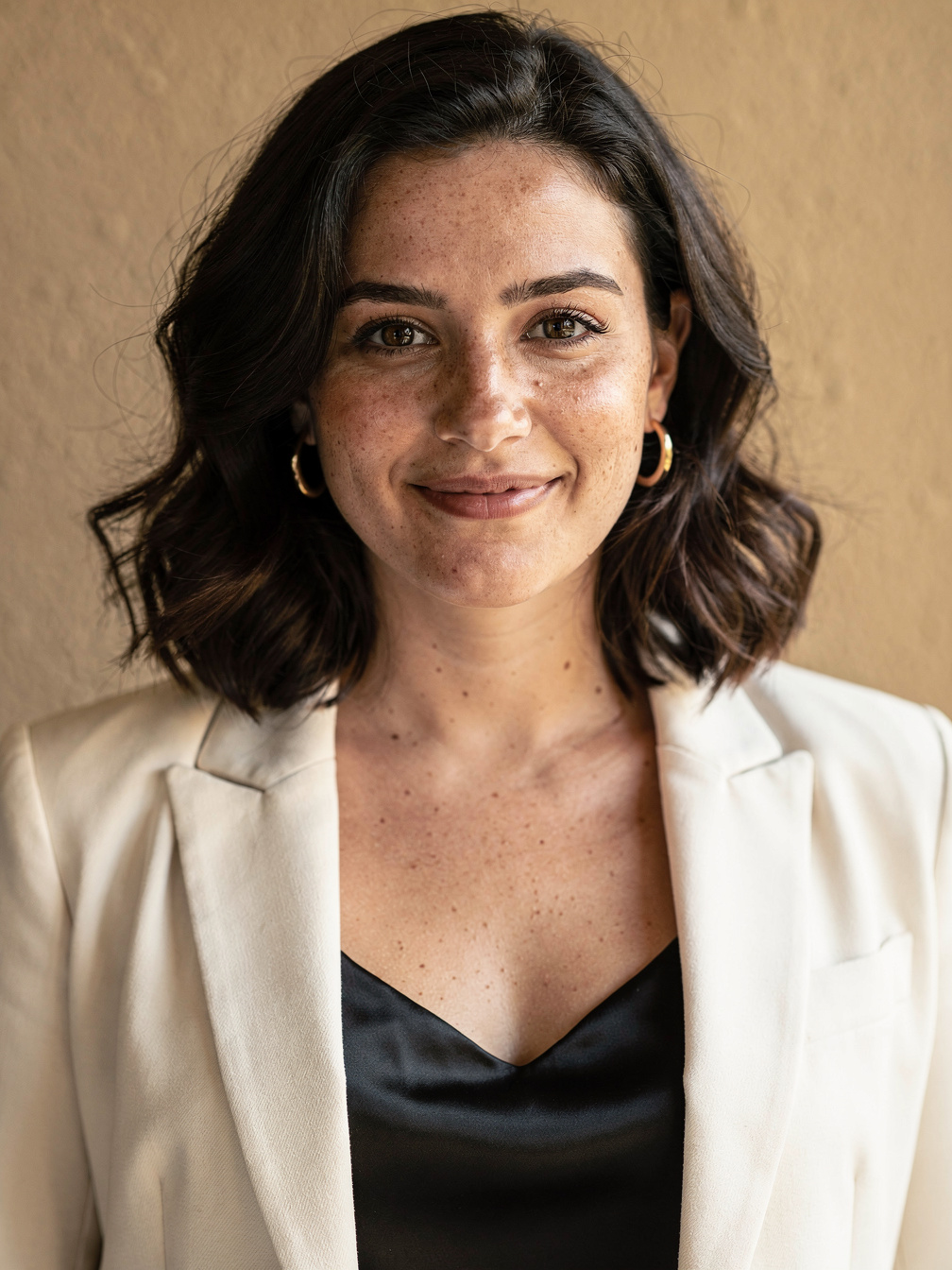
Fictional adult input portrait
Our generated party video
What “Drake Burning Bridges AI video” means here
The search name identifies the party idea
People use this phrase to find the Burning Bridges party treatment and the “Where she at?” hand-over-eyes motion. This page covers making your own photo-based version. For the background and gesture explanation, use our linked trend guide; for a phone walkthrough, use the tutorial.
Your photo is the starting point
The adult in your image is the intended lead. The effect creates a new party scene around that input; you do not upload a reference video or edit the official music video here. It is an independent interpretation, and it will not reproduce every camera move, guest or gesture exactly.
Inspect the clip before you pay
Compare identity through the full take
Watch the example beside its exact input portrait. Look at the face, hair and outfit as the subject turns and gestures. Check the forehead and hands during the scanning motion, then the cup and smile near the finish. One attractive frame does not tell you how consistent the entire clip is.
Know the output specification
The fixed effect produces one 15-second 720p 9:16 MP4 with with sound. There is no prompt box, quality selector or duration menu. The video can vary in framing, background details and movement. Buy it for the style shown in the sample, rather than an exact recreation of an artist’s performance.
Listen to what is actually included
Our sound is generated for the clip. The download does not include Drake’s recording, a vocal imitation or a synchronized performance of the song. If you want music on a social post, select a permitted track in that app and preview the timing yourself.
Make your photo-based version
Choose one adult portrait
Use a clear image you have permission to use, with one visible adult face and enough space around the head and shoulders. Avoid blur, sunglasses and a hand covering the face. The existing fixed effect is verified for adult portraits; consult the pet guide if your subject is a dog or cat.
Enter your email and buy a video pack
Open the generator and inspect your selected photo. Enter your delivery email, then choose Single Video at $3.99 or 3-Video Pack at $9.99. These are one-off payments with no registration. Confirmed payment queues background generation.
Wait for background generation
Confirmed payment starts the fixed effect using your submitted photo. You can leave the page while it processes. Follow the existing order status rather than starting another paid attempt; unresolved provider submissions remain under review.
Review and download through your email
Open the emailed pickup link to collect the completed MP4. The link and video expire 3 days after completion. A replacement link requested with the same email does not extend that deadline. Check the entire result before sharing. An unresolved provider submission stays under review. A different creative take requires another generation.
Generator vs CapCut or LightX template vs your own prompt
This generator: fixed scene, one payment
You upload one adult photo and get the party scene shown in our sample, rendered as one 15-second 720p vertical MP4 with sound. There is no prompt to write and nothing to edit. The trade-off is control: the scene is fixed, and you cannot choose a different room, cast or camera move. Check the sample first, because there is no preview before payment.
A CapCut or LightX template
Template apps place your photo or clip into a ready-made trend layout inside their editor. Availability, pricing, watermarks and export settings depend on the app, your region and your account, so check them in the app on the day you use it. A template can be quicker if you already edit there; it may not animate your photo into a new scene.
Your own prompt in a general video model
A general image-to-video tool lets you describe the room, gesture and crowd yourself. That gives the most control but usually takes several paid attempts to land the hand-over-eyes scan and keep the face consistent. Most such tools sell credits or subscriptions and may require an account. Choose this route if you want a scene our fixed effect does not make.
Before posting to TikTok, Reels or Shorts
Finish the sound and caption in your posting app
Preview the downloaded video with any sound your account is permitted to use. Adjust the clip volume if it competes with the added track. Label the post clearly as an AI creation when the platform requires it. This service cannot guarantee that a particular song is available to your account or that your post will get views.
Keep access to your account
The source-photo retention is 24 hours and generated-video retention is 3 days. Download the result while it remains available. If payment or a job needs support, provide the relevant order or task information through the support page; do not send passwords or payment-card details.
Drake Burning Bridges AI video questions
Does this generator make a video of Drake?
No. It is intended to feature the adult in your own permitted photo. We do not provide Drake’s likeness, a cloned voice, official footage or his recording. This tool is independent and is not affiliated with the artist or label.
Does the Burning Bridges song come with the MP4?
No existing song is added here. Our clip has generated sound. You can add a permitted sound in a social app, subject to that app’s availability, account permissions and rules.
How much does a Drake Burning Bridges AI video cost here?
The adult-photo effect costs $3.99 for Single Video or $9.99 for 3-Video Pack. There is no subscription or registration. Confirmed guest payment starts background generation and sends the download link to your email.
Is this different from the Where She At guide?
Yes. This page explains the photo-to-video product, purchase and download. The Where She At guide focuses on the gesture and how to assess it in a clip. Both link to the same current adult-photo generator.
Can I use my dog or cat instead?
Our verified effect uses adult portraits. We have not verified pet output and do not sell a supported pet effect. Read the pet guide for photo preparation and what to check in a pet-capable service.