Burning Bridges AI alternatives
Compare a fixed photo-to-video effect, a general AI video workspace and editing your own footage. Choose the route that matches what you already have and how much creative control you need.
Add your photo and delivery email, then pay once without registering. One video costs $3.99; the 3-Video Pack costs $9.99. We email a private link when it is ready.
The fixed-effect option: inspect our actual output
Input portrait
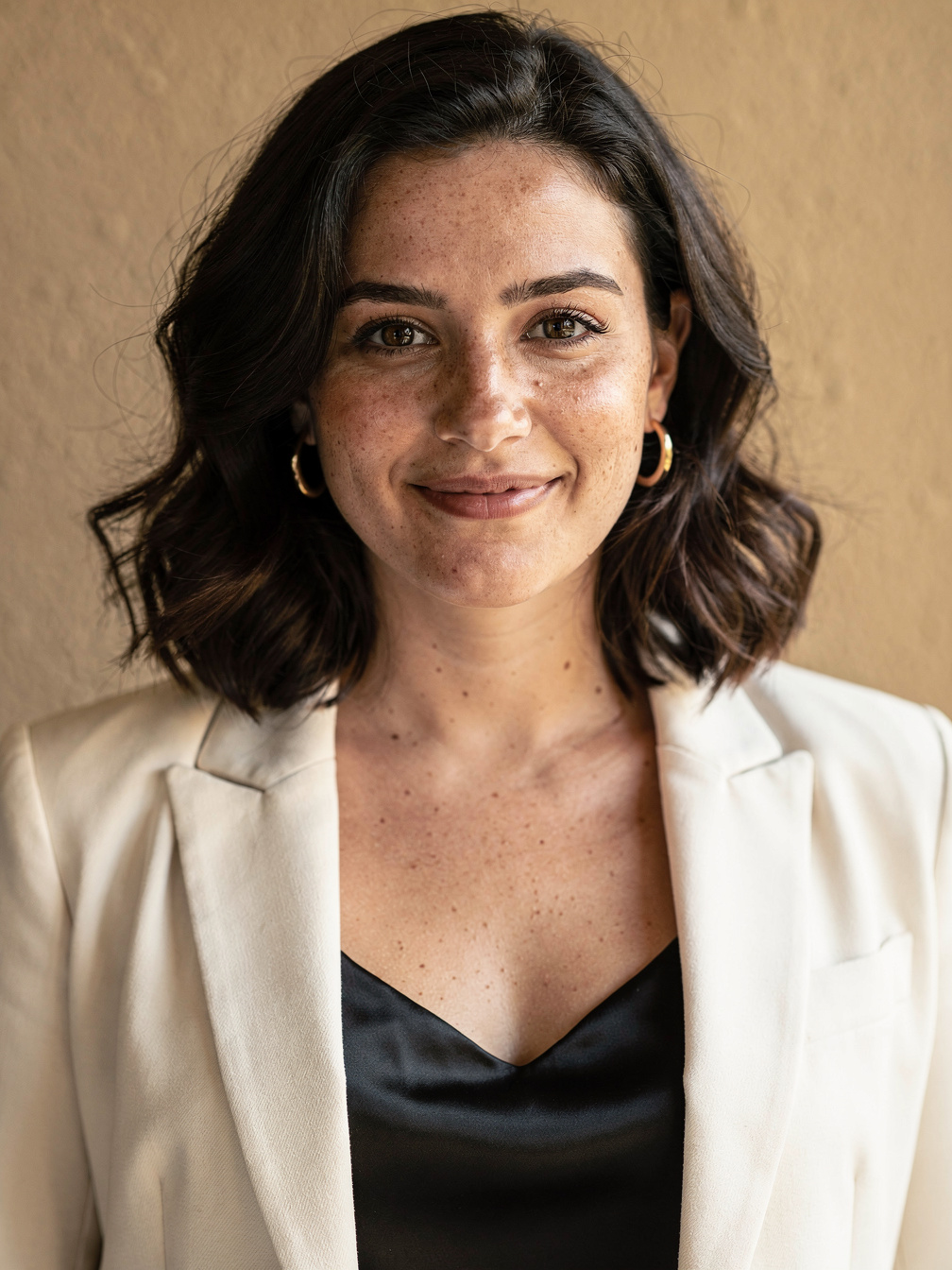
Generated result
Three alternatives for making the trend
A fixed Burning Bridges photo effect
Choose this site when you have one photo and want a defined party scene without writing a prompt. You get one 15-second 720p 9:16 MP4 with sound. The scene, model and output settings are fixed. One video costs $3.99; the 3-Video Pack costs $9.99, with one-off payment. Enter your delivery email and pay once without registering; confirmed payment starts background generation. This route suits a short personal trend clip when you accept variation in motion and facial details.
A general AI video workspace
Consider a broader video tool if you need to describe a different setting, experiment with camera movement or control more of the scene. Check whether the specific product supports image input, how it charges for attempts and what each export includes. More controls also mean more decisions and potentially several paid attempts. We have not run a comparative render test, and do not claim that an outside tool will recreate this gesture or preserve a likeness better.
A video editor with your own footage
If you already have footage you are entitled to use, an editor can handle trimming, captions, vertical crops and music alignment. You can also film the hand-over-eyes move yourself, giving you direct control over the performance. Editing existing footage serves a different starting point from animating a portrait. Check export restrictions, watermark behavior and music permissions in the editor you choose before committing to a workflow.
Compare the details before choosing a tool
What goes in, and what comes out?
Ask whether the tool starts with a still photo, a prompt, recorded footage or an additional reference clip. Then look for a matched input and generated output. A public example can demonstrate a style without proving that the advertised product created it. Our example explicitly identifies the fictional portrait and the result made here. We use a photo with our own scene instructions; visitors do not upload a reference video.
What does a purchase buy?
Compare the cost of a usable exported result, including resolution, length, watermark rules and the number of attempts. A headline credit balance alone does not explain how many clips it buys. Each pack buys video opportunities. There is no subscription. Confirmed generation failures restore your video opportunity or credits automatically. Each new order gets one retry, including a finished video withheld by safety checks. Photos rejected before generation do not use that retry: you can replace them up to three times. If compliant photos still cannot pass, contact us about that order; prohibited photos are not refundable. Unknown results are held for verification for up to 24 hours, then treated as failed if still unresolved. We do not automatically resubmit or refund cash. If your retry also fails, email us for a refund of that undelivered guest video. Account credits return to your balance instead of a cash refund.
How much control do you actually need?
A fixed effect reduces setup, but it cannot accept a custom prompt, longer runtime or exact choreography request. A broader workspace may offer more controls, while recording your own footage lets you direct the gesture yourself. Decide which constraint would make a result unusable before buying. Do not infer precise identity preservation, a particular camera path or included music from a product name or an example thumbnail.
A practical decision for your next post
Start with the sample
Watch the verified example with sound, inspect the face and hands, and compare the frame with the kind of post you want. If the effect fits, open the generator and review your photo. If you need a different setting or exact movement, investigate another route before purchasing. This is a workflow comparison, not a ranked list based on unperformed tests or an endorsement of outside providers.
Keep music and delivery in the comparison
Our MP4 contains generated sound, not the Drake recording. Add a permitted track in your social app after saving the file. You retrieve completed clips through a private email link, and private results are retained for 3 days. The link and video expire 3 days after completion; a replacement link requested with the checkout email does not extend that deadline. Keep a device copy. For any outside service, read its own audio, storage, deletion and refund terms; we cannot verify its checkout or delivery from a public landing page.
Pick the smallest workflow that fits
A portrait and a fixed party scene fit this tool. A new creative direction calls for a workspace with suitable controls. Existing footage or a self-recorded performance calls for an editor. Whichever route you choose, use images and footage you have permission to use and review the final result before sharing. This site is independent and is not an official artist product.
Common questions
Is there one best Burning Bridges Drake AI alternative?
It depends on your input and desired control. Compare a fixed portrait effect, a general video generator and editing your own footage against the result you need.
Can I supply a reference performance here?
No. This generator takes your photo and uses our fixed scene. It does not accept reference videos or custom prompts.
Do you test or rank other paid services?
This page compares workflows. We have not purchased or rendered through competing services for this comparison, so we do not assign quality scores or claim a winner.