Burning Bridges AI prompts
A useful Burning Bridges AI prompt specifies a subject, space, gesture and ending instead of asking only for the trend by name. Below is an original educational example for a separate prompt-capable image-to-video tool. It is not our production recipe or a tested preset. This site’s generator has a fixed scene and accepts no custom prompt.
Our generator accepts one adult portrait and uses a fixed scene. It has no custom prompt, cast or team selector. Buy only if the existing sample matches the result you want.
What our current adult-photo effect actually produces
Fictional adult portrait
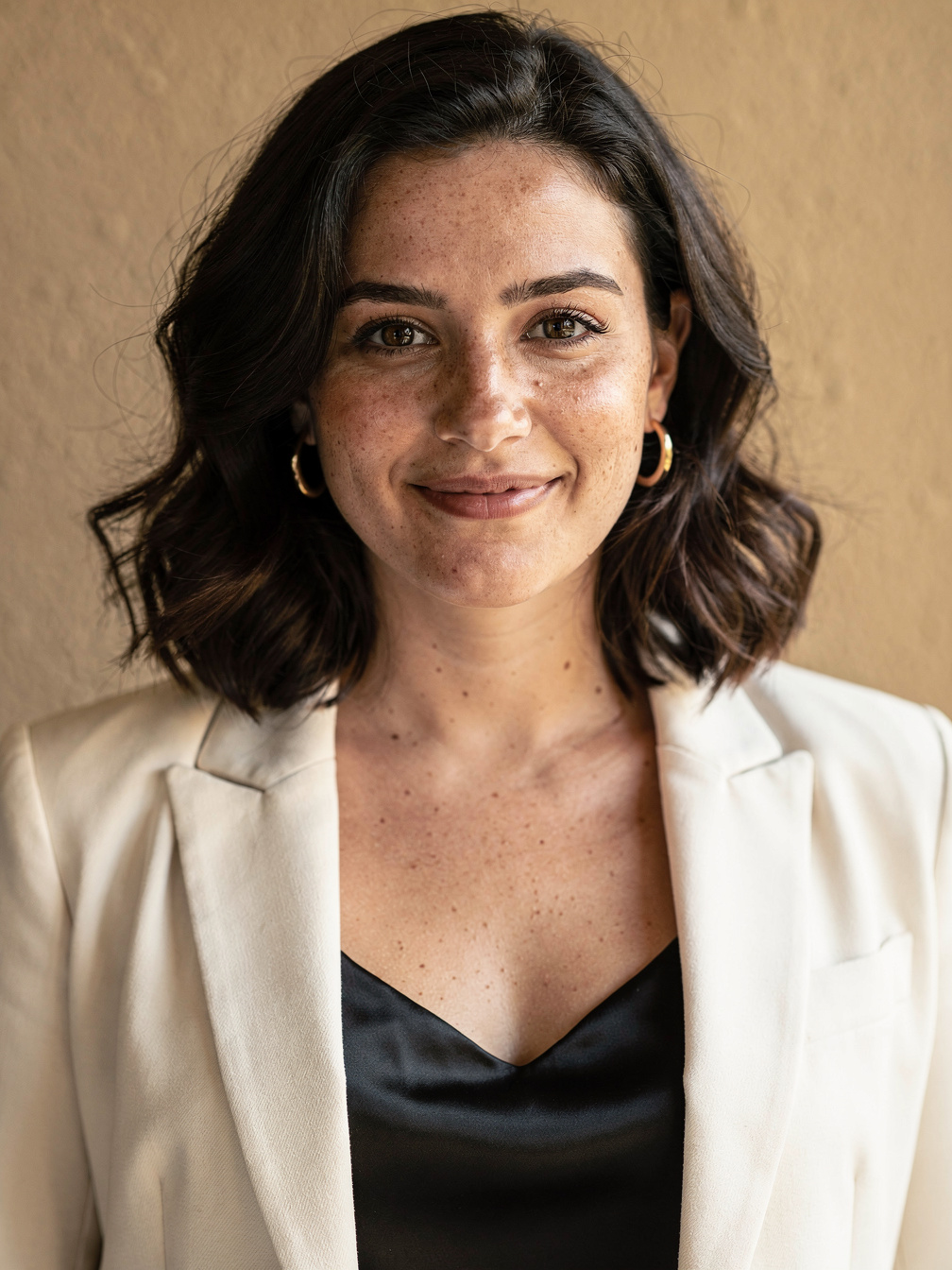
Verified adult-photo party result
Write a brief the model can act out
Describe the body movement
Instead of “do the trend,” describe an open hand rising above the eyebrows, a small head turn and a return toward the camera. Keep the palm separate from the eyes. One clear action with a visible start and finish is easier to judge than a list of dance names. Decide what the viewer should notice before adding atmosphere.
Choose an input and a simple setting
Use an authorized adult portrait with a visible face and shoulders. In a tool that supports your chosen inputs, establish the lead before introducing extra people. Specify a small lounge or foyer with a clear aisle and warm side lighting. A readable silhouette and a limited cast matter more than a long list of decorative objects.
Combine these three blocks into one educational example
Subject and visual continuity
Create a short vertical party vignette starring the adult in the supplied portrait. Keep the face, hairstyle and clothing recognizable throughout. Use a medium opening shot with space around the shoulders. This is a new fictional scene; do not imitate a named performer or include recognizable branding.
Setting and action sequence
Set the scene in a softly lit lounge with a simple doorway in the background. At the opening, the lead looks toward the camera. In the middle, the lead lifts an open hand just above the eyebrows and turns their head toward the doorway as if checking for a guest. At the end, the lead lowers the hand and gives the camera an amused smile. Keep the camera steady.
Constraints and sound
Keep the lead’s hands anatomically coherent and separate from the face. Avoid people crossing in front of the lead, sudden outfit changes, unreadable lettering and objects appearing in the hands. If audio generation is supported, use a restrained original percussion groove and soft room ambience, without quoting any existing song or adding a spoken performance.
Adapt one part at a time
Change the mood before adding complexity
For a playful version, change the final expression and make the doorway the source of the joke. For a more formal version, change the room and outfit description while keeping the same small gesture. Do not simultaneously add a moving camera, a crowd, several props and a costume transformation. If a result changes too much, you will not know which instruction caused it.
Review and revise by visible evidence
If the hand merges with the face, revise the distance and reduce the head turn. If identity drifts, shorten the action sequence and keep the framing closer. If the ending feels unclear, remove an extra gesture and make the reaction more specific. These are planning suggestions, not guaranteed fixes; follow the selected provider’s controls and expect that another generation may be billed.
Original caption ideas for different setups
Solo portrait or reunion
Try “Checked the room. Found the plot twist,” “Arrived for the party, stayed for the mystery,” or “Looking for the person who said this would be quiet.” Choose a line that matches the expression and scan actually visible in the result. Keep the caption away from the forehead and hand so it does not hide the action.
Cast concept or football concept
For an authorized fictional ensemble, try “The cast reunion had one missing guest.” For a fictional team scene, try “Captain checking who skipped the celebration.” These are original suggestions, not lyrics. They do not imply that our generator supports those scenes. A caption should clarify the setup rather than falsely identify real people in a generated event.
What happens if you use the generator on this site
A fixed scene replaces prompt decisions
Here you add one photo of a consenting adult, enter your delivery email and buy a pack. The scene, output specification and sound are fixed: one 15-second 720p 9:16 MP4 with generated sound. There is no place to paste the educational example above, and support cannot turn an order into a custom cast or team commission.
Finish the post after downloading
Choose Single Video at $3.99 or 3-Video Pack at $9.99. Confirmed payment starts background generation. Download from the private email link within 3 days after completion; a replacement link does not extend the deadline. Add your own caption and any platform-permitted music when posting. Our download does not contain the Drake recording.
Prompt and caption ideas questions
Is this the prompt your generator uses?
No. It is a separate educational example written for this guide. Our server-side production recipe is private and is not displayed here.
Can I paste this into the Burning Bridges generator?
No. This site has no custom prompt input. Use a separate tool that explicitly accepts an image and a written scene brief if you need creative control.
Has the sample above been made with this example?
No. The sample verifies our existing fixed adult-photo effect only. The educational prompt has not been rendered or tested here.