Drake trend · gesture and sound
Drake “Where She At” AI Video: The Gesture and Sound
Looking for the party clip where someone shades their eyes and scans the room? This page separates the visual “Where she at?” move, the Burning Bridges recording and the AI video you can make with your own photo.
Watch the example first. One paid credit starts one render of the fixed effect.
See the version this tool makes
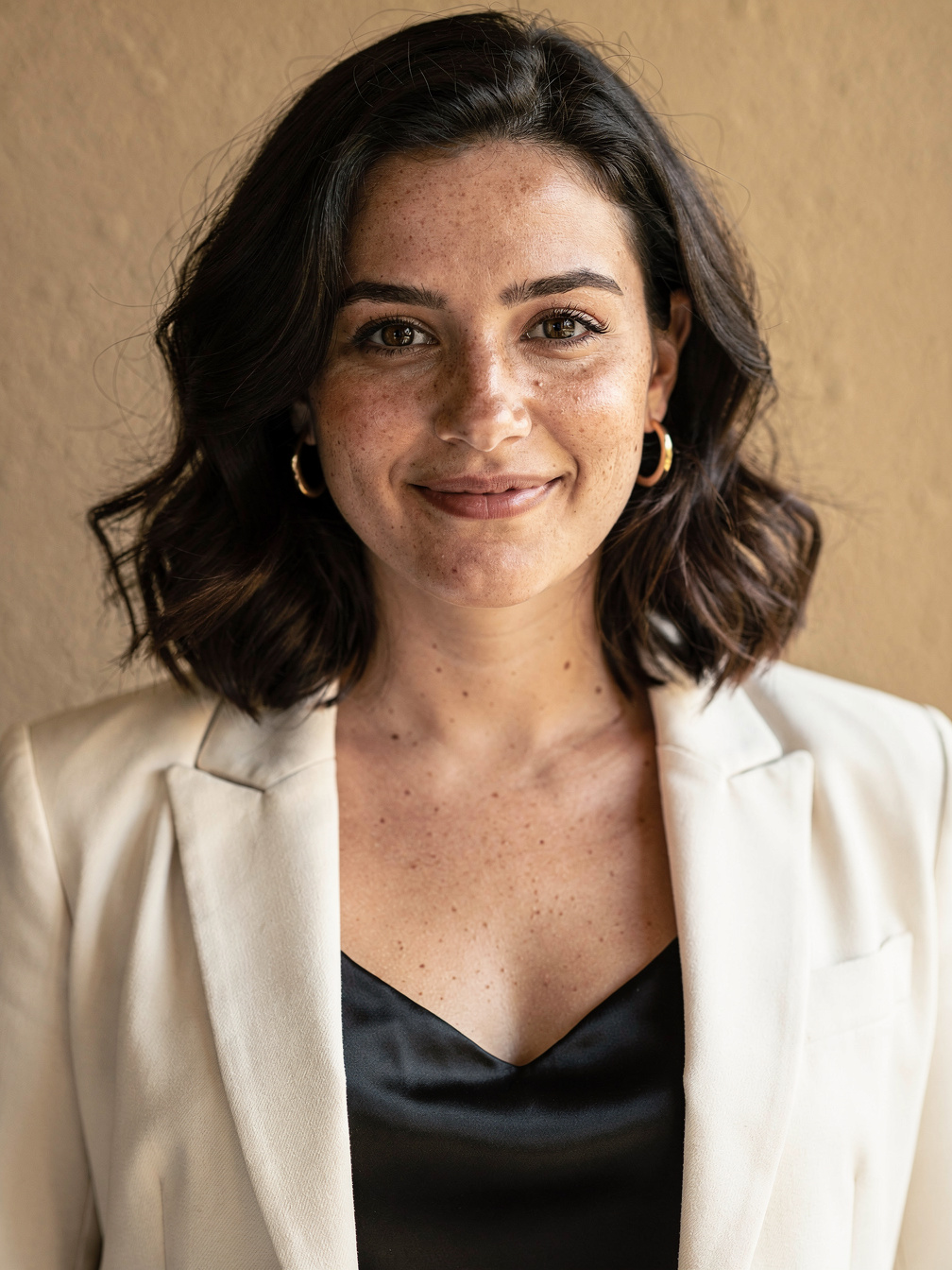
Fictional input portrait
Our generated party clip
What “Where She At” refers to here
The visual cue
The recognizable move is a flat hand held above the eyes while the person looks across a party crowd. When choosing a generator, watch the sample for that motion instead of judging only its title or poster. A still image cannot show whether the hand and face stay convincing during movement.
The song and the AI clip are separate
Drake’s official Burning Bridges video is the music reference. An AI party clip is a new result made by a tool, and the phrase Where She At is a useful way to describe the gesture. This site is independent and has no connection to Drake, his label or the music-video production.
Choose the result you actually want
An original party scene from your photo
This tool takes one photo and makes one 15-second 720p 9:16 MP4. The person leads a chandelier-lit party with a hand-over-eyes scan. Compare the public input portrait and full sample before deciding whether this style fits your post.
An exact copy of the music video
That is a different expectation. This product does not reuse the music-video footage or promise the same room, people, timing or choreography. It creates its own scene from a fixed recipe. There is no reference-video upload and no frame-by-frame movement control.
Only a sound for a video you already have
You do not need to buy an AI render just to edit an existing clip. Use your posting app’s available sound library and editing tools. The official video link below is a reference for the song, not a downloadable soundtrack supplied by this website.
Make your photo version
Start with a clear portrait
Choose a photo you have permission to use, with one clearly visible face and no obstruction over the eyes. Open the generator, add the photo and sign in. The tutorial linked below covers the full phone workflow and where downloaded files appear.
Purchase, then start the render
One video costs $3.99; the 3-Video Pack costs $9.99. Confirm your credit balance after checkout and press the make button. Payment alone does not submit your photo for generation. You cannot enter a prompt or select a different model or duration.
Inspect the complete result
Find the clip in My Creations. Watch the hand as it moves toward the forehead, check the face during the scan and listen to the generated beat. AI results vary: the public sample illustrates the effect, but it does not guarantee identical movement for every portrait.
Add the song when you post
Use the sound available to your account
The MP4 has an original generated beat and crowd sound, without the Drake recording. Upload your saved clip, then look for Burning Bridges in your app’s sound library. Availability can differ by account or region; use another permitted sound if the track is absent.
Align by watching the hand
Preview the video and move your chosen audio excerpt until the phrase and hand motion line up as you prefer. Adjust the clip volume if the generated beat competes with the added music. Preview again before sharing; buying a render does not provide a music recording or a music licence.
Where She At AI questions
Does this make a video of Drake?
The input is your own permitted photo. The product makes a new party scene around the person in that photo; it does not provide Drake footage.
Is the “Where she at?” song included?
No. The file contains a generated beat and crowd sound. Add an available song through the platform where you post.
Can I choose the exact second of the hand gesture?
No. The effect has fixed settings and AI motion varies. Adjust the sound around the finished motion in your video editor.